
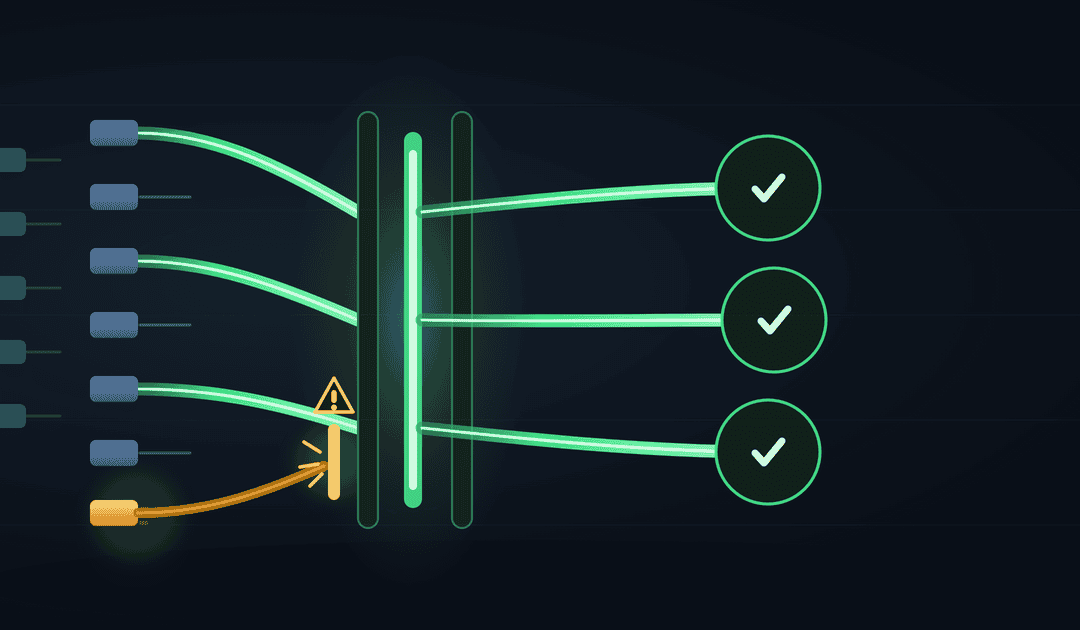
A directory of 50 free MCP servers is useful for discovery. It is a poor installation plan.
Every server you connect can add tools, data and prompts to an agent’s working environment. It can also add another process to supervise, another authentication scheme to maintain and another source of instructions the model may treat as actionable. The useful question is not “How many MCP servers can I install?” It is “What does this server let the agent do that it could not do more simply before?”
My admission test has three parts: the server must provide a genuinely useful capability, its interface must help the agent work reliably, and its value must exceed its security and operating cost. A server that fails any one of those tests does not belong in the default toolbelt.
MCP servers are an integration layer, not a capability guarantee
The Model Context Protocol standardizes communication between AI applications and external systems. In the official architecture, a host application contains MCP clients, and those clients connect to MCP servers. The model does not magically become a program that executes arbitrary API calls by itself.
Servers can expose tools for actions, resources for data and prompts for reusable interaction patterns. Messages use JSON-RPC 2.0, and the protocol supports capability negotiation and stateful connections. Google Cloud Tech’s protocol overview explains why that discovery layer can be preferable to writing separate model-specific glue for every service.
That does not make MCP a universal replacement for APIs. An MCP server commonly sits above an API, CLI, database or local process. If a deterministic program already knows exactly which endpoint to call, a direct API integration may be simpler. MCP becomes more attractive when an agent needs to discover available operations, choose among them and use a consistent interface across models or hosts.
The first filter: what the agent can already do
The design heuristic in MCP Servers Explained: Why Most Are Useless (And How to Fix It) is blunt but useful: wrapping commands an agent can already run may add latency and complexity without adding capability. Its “95% useless” framing is an opinion, not a measured market statistic, but the underlying test is sound.
Consider a coding agent with controlled terminal access. A Git server exposing git_status, git_commit and git_push may merely rename commands the agent can already run. You now have another dependency and another set of schemas to maintain. The wrapper could still be justified if it provides safer permissions, consistent auditing or a client without shell access, but that benefit needs to be explicit.
Compare that with a server that combines several internal APIs into one operation such as prepare_customer_renewal. It might retrieve the account, identify the active subscription, summarize unresolved support issues and return a structured renewal brief. The value is not the protocol wrapper. It is the curated capability and the decisions encoded behind it.
| Candidate server | What earns admission | What should reject it |
|---|---|---|
| Thin Git or filesystem wrapper | Restricted access, auditing or support for a host without suitable local tools | Duplicating an available CLI with broader privileges and extra latency |
| Internal business-system server | Access to otherwise unreachable data, with scoped permissions and stable schemas | Returning entire systems when the agent needs one bounded query |
| Domain workflow server | Combines APIs and rules around a clear user intent | A large collection of ambiguous, one-endpoint-per-tool functions |
| Remote third-party server | Useful maintained integration with sound authorization and inspectable behavior | Opaque tool metadata, excessive scopes or unclear token handling |
Good candidates usually do at least one of three things:
- Cross a boundary: connect the agent to a private service, remote system or data source it cannot reach directly.
- Preserve useful context: maintain a connection, session or resource-discovery mechanism that would be awkward to recreate for every call.
- Encode a domain operation: expose a small number of intent-oriented tools rather than a mechanical copy of an API.
Tim Garver’s production field notes similarly favor domain-oriented servers and identify stateful connections and resource discovery as useful areas. Those are one practitioner’s observations, not protocol-wide benchmarks, but they provide a better evaluation lens than server counts.
What quietly breaks the toolbelt
Too many tools make selection harder
Connecting ten servers does not merely add ten integrations. It can place dozens or hundreds of names, descriptions and schemas into the agent’s decision environment. Similar names such as search, get_document or send_message become ambiguous when several servers expose them.
Use a small default set. Give tools specific, stable names and descriptions that state their purpose, inputs and side effects. A CRM operation called crm_create_support_note is easier to distinguish than another generic create_note. Namespacing helps humans and routing logic, but it does not replace clear tool design.
Local servers become process-management work
MCP supports local stdio communication and remote Streamable HTTP transport, as described in the transport specification. Stdio is convenient for a local subprocess. It also means someone must manage startup, environment variables, upgrades, crashes and shutdown.
Garver reports problems including orphaned stdio subprocesses, tool-name collisions and JSON-RPC round-trip latency. Treat these as practical failure modes to test, not universal failure rates. Before adoption, restart the host repeatedly, disconnect a server mid-task and inspect whether child processes remain. Measure the complete tool call, including discovery and connection overhead, rather than timing only the underlying API.
Retries need equal care. Retrying an idempotent read after a dropped connection is usually reasonable. Blindly retrying charge_customer or send_email can duplicate the action. Use idempotency keys where the underlying service supports them, and make side-effecting operations explicit.
Remote servers turn authentication into a design requirement
A remote server needs to know who is calling, what that caller may do and which resource the credentials authorize. Tech With Tim’s build walkthrough demonstrates the difference between a local tutorial server and an authenticated remote deployment. Its description discloses a Descope sponsorship, so read the product-specific authentication presentation with that context; the protocol requirements themselves should be checked against the specification.
The MCP authorization specification builds on OAuth 2.1 and requires PKCE for authorization-code flows. A static key pasted into every client does not provide the same user identity, scope handling or revocation model.
Token passthrough is not a shortcut around this work. The security best practices cover confused-deputy, token-passthrough and session-hijacking risks. A server must not simply accept a token minted for another service and assume it is valid for its own resources.
For HTTP deployments, the transport specification also calls for Origin validation when the header is present, localhost binding for local servers where possible and appropriate authentication. These controls address risks including DNS rebinding and unauthorized local connections. “It only runs on my machine” is not a complete security design.
Tool descriptions and outputs are untrusted input
The quietest failure is not a crashed process. It is a healthy server changing what the model believes it should do.
The protocol’s own implementation and usage guidance warns that tool descriptions can contain instructions visible to the model. A malicious or later-modified description can therefore become a prompt-injection channel. Returned web pages, emails, documents and database content deserve the same suspicion: transport through a trusted connection does not make their instructions trustworthy.
The talk Trust Issues: How MCP Servers Hijack Your AI Agent, and How to Stop Them develops this argument through tool poisoning, later tool-description changes and cross-server influence. Its demonstrations and cited benchmark results should not be generalized into an ecosystem-wide compromise rate. The durable lesson is simpler: the model does not inherently know which text is data and which text is authorized instruction.
Human approval is an important boundary, but indiscriminate approval dialogs create consent fatigue. Require confirmation for consequential actions such as sending, deleting, purchasing, changing permissions or exporting private data. Keep low-risk reads separate, minimize their scope and show the user the actual target and arguments. An approval system that asks about everything trains people to approve anything.
For a related workflow pattern, see Human Approval Checkpoints in n8n AI Workflows. The implementation differs, but the principle carries over: inspect the action before the agent crosses a consequential boundary.
Review the implementation, not just the repository name
Oxvault’s static-analysis report says its sweep of 141 public repositories produced HIGH or CRITICAL findings in about half and 135 confirmed CRITICAL findings overall. Those numbers describe that scanner, version and sample. They are not a verdict on all MCP servers, and static findings still need contextual review.
The concrete examples are more useful than the headline count. The report discusses a committed bearer token in a demo application, path-containment checks based on startsWith, and intentional Python exec usage in a diagram server. These suggest practical review questions:
- Credentials: check whether they are committed, logged or copied into tool responses.
- Paths: confirm filesystem paths are canonicalized before containment checks, including symbolic-link and traversal cases.
- Execution: establish whether the server runs generated code or shell commands, and what sandbox limits that execution.
- Network: verify destinations are restricted, and that returned content cannot steer the server toward internal services.
- Versioning: confirm you can inspect, pin and roll back the exact server version you run.
An official repository is a useful trust signal, not an exemption from review. A small server you can inspect and constrain may be a better choice than a popular server with broad privileges and opaque behavior.
A practical admission checklist for MCP servers
Before adding a server to a shared agent configuration, I would require concise answers to these questions:
- Capability: confirm what the agent can do now that it could not do more simply through an existing CLI, API or deterministic workflow.
- Interface: check that only a few clearly named, intent-oriented tools exist, with schemas that prevent ambiguous arguments.
- Privilege: confirm access can be limited to the required data, directories, network destinations and actions.
- Trust: establish whether the implementation is official or inspectable, and that versions are pinned and reviewed before updates.
- Content handling: verify descriptions and returned content are treated as untrusted rather than as new operator instructions.
- Authorization: for remote use, confirm OAuth 2.1, PKCE, audience validation and token handling are implemented without token passthrough.
- Transport: verify Origin checks, local binding and authentication are appropriate to the deployment.
- Operations: confirm subprocess lifecycles, connection drops, latency and logs are observable.
- Recovery: check that retries are limited to safe operations, with idempotency protection for side effects.
- Exit value: decide which measurable workflow capability would actually be lost if the server disappeared tomorrow.
Run a small worked evaluation before rollout. Choose three representative tasks, run them with the existing approach and then with the server, and record task success, corrections, elapsed time and approval interruptions. Include one malformed response, one expired credential and one dropped connection. This is not a universal benchmark; it is a reproducible test of your own workload.
The strongest toolbelt is usually smaller than a directory suggests. Keep servers that unlock real access, preserve useful state or encode a coherent domain operation. Remove wrappers that only rename existing commands, and be even quicker to remove integrations whose privileges and maintenance exceed their demonstrated value.
Start with one connected server this week: write down its unique capability, disable every tool the agent does not need, and test one security failure and one connection failure before giving it broader access.